The lint screen is a small part with an important job. Clear the collected lint as part of each load, and check that the screen is properly back in place before the dryer runs.
Plan the project
Beginner · Work at your own pace and follow the product’s cleaning instructions; stop if the task exceeds accessible surface cleaning.
Tools and materials
Required tools
Materials
- Waste bin or bag
- Your dryer’s operating instructions
Is this your job?
Routine dry lint removal from the user-accessible screen, following the dryer manual. This is not duct cleaning, appliance repair, or a guide to dismantling a heat-pump dryer’s filters.
Before you start
Stop the dryer and let hot parts cool before touching the screen. Follow its manual’s power-isolation instructions for cleaning. Do not reach into the screen housing or move the appliance. Do not run a dryer with a missing or damaged lint screen. If it smells burned, becomes unusually hot, or drying time keeps increasing, stop using it and arrange service.
Project steps
Locate the routine lint screen
Use the manual to identify the screen intended for cleaning after a load. Some appliances have more than one filter or a separate condenser; those may require a different procedure.
Remove it as directed
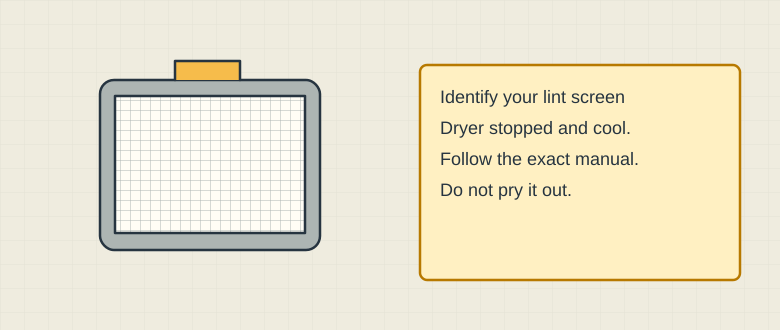
Schematic illustration. Example removable lint screen; its location and release method vary by dryer. Open the access and withdraw the screen using the stated method. Do not force a stuck frame or use a screwdriver to pry it loose. Keep lint from dropping into the housing.
Collect the lint
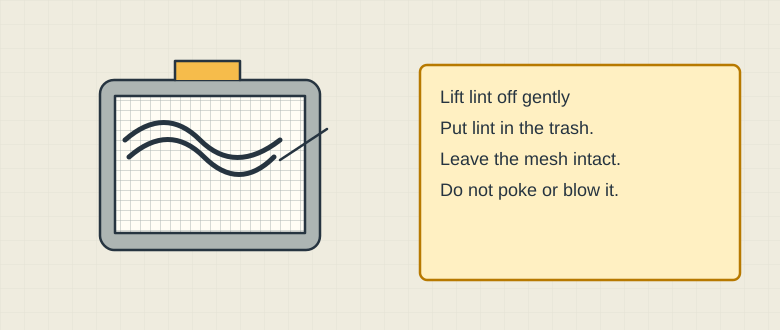
Schematic illustration. Remove lint using the manual’s dry-cleaning method without damaging the screen. Use the manual’s dry-cleaning method to lift lint from the screen, commonly rolling it off by hand. Put it in the trash. Do not poke the mesh, blow lint into the machine, or pour water into the housing.
Inspect and refit
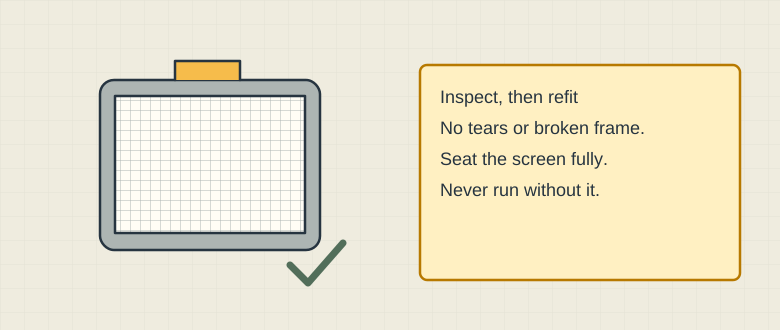
Schematic illustration. Refit an intact screen as instructed before operating the dryer. Look for a torn mesh or broken frame. If damaged, leave the dryer out of use until the correct replacement is fitted. Otherwise refit the screen and any access cover fully as instructed.
Keep the wider job separate
Clean the screen before and after each cycle, as the U.S. Fire Administration advises. A clean screen does not establish that the vent is clear. Follow the manual’s vent-maintenance requirements and use qualified help for inaccessible cleaning or servicing.
Safety & limits
- Running one load without the screen. Keep it installed and intact.
- Assuming routine lint removal cleans a blocked exhaust duct. These are different jobs.
- Washing every screen by default. Residue removal and wet cleaning depend on the model; follow its instructions and required drying time.
Sources & further reading
These links document the information used in this article. Manufacturer specifications and source research are not hands-on test results or an endorsement of a purchase.
- U.S. Fire Administration: clothes dryer fire safety
Reference checked 2026-10-29